The Access Point Was Never the Problem: Rethinking Backhaul in UK Homes and Small Offices
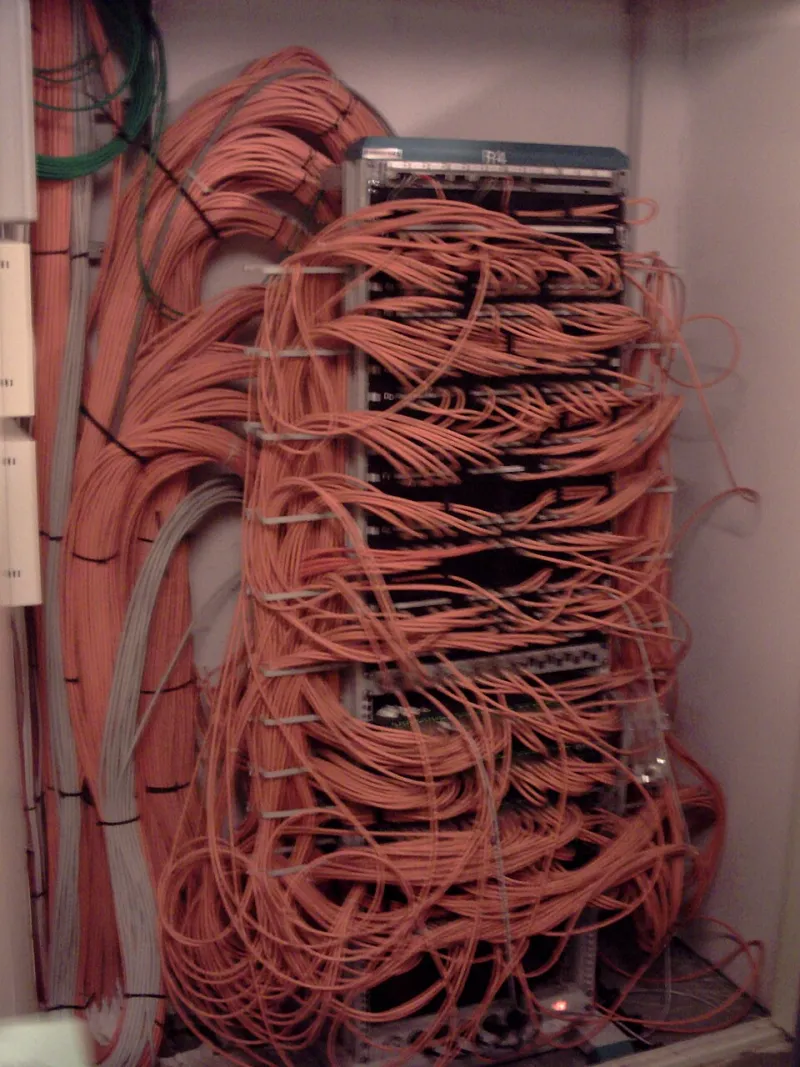
Photo: Xbspiro, CC BY-SA 3.0, via Wikimedia Commons
Walk into a small UK office or a newly refurbished home and you will often see the same thing: a shiny Wi-Fi 7 router, a proud owner, and a back room where video calls still stutter. The speed test next to the router looks excellent. The problem is not the radio standard. It is the backhaul.
Wi-Fi 7 is genuinely impressive. It brings wider channels, multi-link operation and more efficient use of the 6GHz band. But a wireless access point is only as good as the connection behind it and the place you put it. In 2026, UK broadband buyers are being sold faster wireless standards while the real bottleneck sits in a cupboard: a single 1GbE port, a cheap switch and an access point in the worst possible corner.
The router is doing too many jobs
Most ISP routers are modem, router, switch, firewall and access point in one box. They are designed to be posted to you, plugged in and forgotten. That is fine for a flat with two laptops. It is less fine for a house with solid walls or a small office with a dozen staff.
The router usually sits where the fibre comes in, not where people work. Its Wi-Fi radios are then asked to cover a building through brick, foil-backed insulation and a metal consumer unit. Adding a Wi-Fi 7 badge does not change physics. Separating the jobs — router, switch and access points — gives you a network you can actually place and upgrade.
When mesh is genuinely enough
Mesh gets a bad reputation among network purists, but it has a place. A small flat, one or two nodes, broadband under 500Mbps, no NAS and no local backups: a decent tri-band mesh system can be perfectly sensible. If you can wire the nodes together, even better. A wired mesh is just a set of access points with a friendly app.
Wireless mesh is the compromise. It works best when nodes have a clear line of sight and a dedicated backhaul radio. It works badly when you put a node in a cupboard and hope for the best. And adding another node is not a plan. Each extra radio competes for airtime, adds latency and makes roaming messier. More nodes can mean more interference, not more coverage.
Where Cat6a and 2.5GbE earn their keep
Cat6a is often sold as future-proofing, and for once the label is fair. It supports 10GbE over a full 100m run, which is far more than most homes need today. Cat6 is usually fine for 1GbE and often for 10GbE over shorter runs. The reason to choose Cat6a is headroom: thicker cable, tighter specs and room for faster switches later.
The bigger question is switch capacity. If your broadband is 900Mbps, a 1GbE network is not automatically the bottleneck. If you have a 1.6Gbps full-fibre package, a NAS, local backups and two Wi-Fi 7 access points, then 2.5GbE links start to make sense. A Wi-Fi 7 access point can aggregate more than 1GbE across its radios, so a 2.5GbE uplink stops the wired port becoming the ceiling.
You do not need a 10GbE core in a three-bed semi. You do need to avoid pairing fast access points with a switch that has one slow uplink. PoE matters too: ceiling access points are much easier to install when the switch can power them over the same cable.
Placement beats power
An access point on a ceiling in the middle of the floor will usually beat a more powerful one hidden behind a TV. Put access points high, central and unobstructed. Keep them out of metal racks and meter cabinets. In a small office, one per floor is often better than three clustered near the router.
Do a simple site survey. Check channel overlap, look at the 5GHz and 6GHz coverage, and test where people actually sit. Lower power with good placement is often better than maximum power with poor placement. Keep 2.4GHz for IoT kit and older devices; use 5GHz and 6GHz for laptops and phones where they support it.
The small-office version
For an office of 10 to 20 people, wired backhaul to each access point is the grown-up choice. Use a PoE switch, a proper router or firewall, and Cat6a to fixed desks, printers and any NAS. Wi-Fi is for phones, laptops and meeting rooms, not for the whole office's heavy lifting.
If you cannot cable between floors, do not pretend a mesh chain is enterprise-grade. A point-to-point wireless bridge can work in some buildings, but powerline adapters are not a business network plan. They are a temporary fix that becomes permanent because nobody wants to lift the carpet tiles.
A simple decision path
Ask four questions. What is the broadband speed? How many devices are active at once? Is there local storage or backup traffic? Can you run cable?
If the answer to the last question is yes, wire the access points. If it is no, use mesh with a dedicated backhaul where possible and accept the limits. For a 1Gbps-plus connection with Wi-Fi 7, use 2.5GbE switch ports and Cat6a uplinks. For a 500Mbps connection with basic browsing, a good mesh kit and Cat6 cabling are plenty.
The Wi-Fi 7 router is fine. The backhaul is the problem. Spend the money on cable, switch capacity and access-point placement before you buy another node. In UK homes with solid walls and small offices with awkward floor plans, that is usually the difference between a network that looks fast on paper and one that works at the back of the room.