Beyond the Dongle: A Wired-First Network Plan for Solar and Storage
Solar panels are sold as a generation system. Batteries are sold as storage. EV chargers are sold as convenience. What often gets missed is that all three are now small networked computers bolted to the side of your house — and many of them are still connecting to the internet through a plastic Wi-Fi dongle stuffed into a metal box in the loft.
That works right up until it doesn’t. The inverter drops off the app, the battery stops reporting, or the charger decides it has lost its cloud connection at exactly the moment you want to check something. None of this is a reason to panic about your energy system. It is a reason to treat the network side as part of the installation, not an afterthought.
The dongle is a shortcut, not a strategy
Wi-Fi dongles are popular because they are cheap, quick and require no cable. They are also the weakest link in a lot of UK solar installs. Inverters often live in garages, lofts, plant rooms or on external walls. Those are exactly the places where Wi-Fi tends to be marginal: foil-backed plasterboard, brick, metal consumer units and a couple of walls will do unpleasant things to a 2.4GHz signal.
A dongle that works on commissioning day may not work reliably when the garage door is shut, the weather changes, or your router decides to reshuffle its channels. Cloud portals add another dependency. If the manufacturer’s service has a bad afternoon, your local monitoring disappears even though the panels are generating perfectly well.
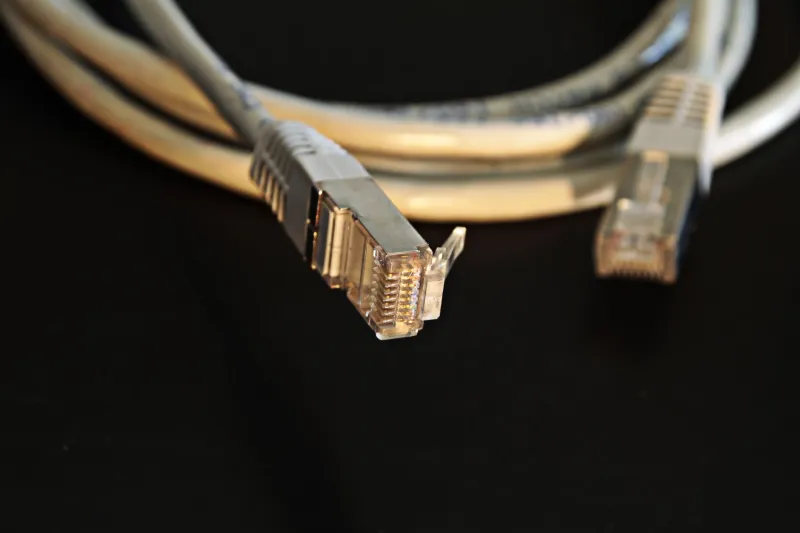
A wired connection is not glamorous, but it is predictable. Where the equipment has an Ethernet port, use it. Where it doesn’t, plan for a small network bridge or access point near the kit rather than hoping the main router reaches through two walls and a boiler cupboard.
Decide where the kit lives before the cable goes in
The best time to think about network cabling for energy hardware is before the installer arrives — ideally before the panels and battery are fixed to the wall. Once the inverter is mounted and the conduit is clipped, your options narrow quickly.
Ask the installer where the inverter, battery and any associated gateway will sit. Then work out a cable route back to your comms cupboard or main network point. In a typical UK home that might mean a run through the loft, down an external wall in UV-rated conduit, or through a garage into the house. Keep data cable away from mains cable where you can, leave a service loop at both ends, and terminate on a proper faceplate rather than leaving a loose plug hanging out of the wall.
For outdoor runs, use outdoor-rated cable and a suitable enclosure. For garages and plant rooms, think about heat, damp and rodents — the usual enemies of anything installed neatly and then forgotten. Label both ends. Future-you will not remember which of the eight blue cables in the cupboard belongs to the inverter.
Give energy hardware its own network lane
There is a temptation to simply join the solar inverter to the main home Wi-Fi and move on. That is better than nothing, but it is not a plan. Energy kit tends to be supplied by a third party, updated by an app, and given cloud access by default. Treating it like a trusted laptop on the main network is optimistic.
A cleaner approach is to put inverters, batteries and chargers on their own isolated network — a separate VLAN if your router supports it, or a dedicated guest-style network with client isolation if it does not. You still want your phone or laptop to reach the monitoring interface, but you do not want the inverter chatting freely to your NAS, printers or work files. Set firewall rules so the energy devices can reach the internet if they need to, and your admin devices can reach them locally, but little else.
This is especially relevant for small businesses. A shop or office with a solar array and a battery should not have that kit sitting on the same flat network as the till, the back-office PC and the card terminal. The same principle applies at home: separate lane, restricted access, clear documentation.
Ask the installer these questions
Before the panels go up, have a straightforward conversation about connectivity. Does the inverter have an Ethernet port, or is it Wi-Fi only? Is the dongle optional or required? Can monitoring work over the local network, or does everything depend on the cloud? Who reserves the IP address, and will it survive a router reboot?
Ask whether the installer will support a wired connection if you provide the cable route. Some will; some will look at you as if you have asked them to install a data centre. Either way, find out before the equipment is on the wall. Ask the same questions about the battery and any EV charger. If the charger is going in a garage or on a driveway, that is another device that deserves a cable, not a hopeful Wi-Fi link through a brick wall.
Boring is the goal
A good energy network is not exciting. The inverter appears in the app. The battery reports its state of charge. The charger schedules a charge overnight without drama. Nothing is exposed to the open internet, nothing depends on a dongle balanced on top of a consumer unit, and the whole thing is labelled in the cupboard.
That is the standard worth aiming for. Solar and storage are long-term infrastructure. Give them a proper network home, and you can spend your time watching the generation figures rather than rebooting the gateway.