Stop Stacking Nodes: A Sane 2.5GbE Upgrade Checklist for UK Homes and Small Offices

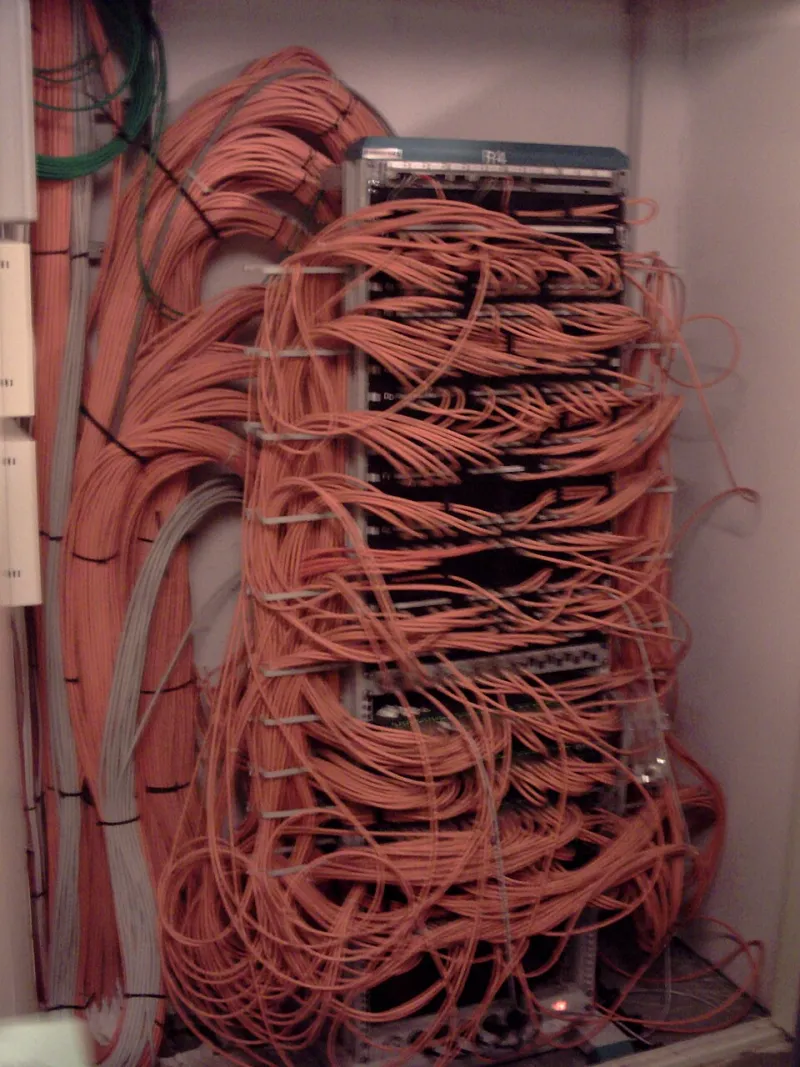
Photo: 2.5GbE network switch NAS home office setup, via img.freepik.com
Another mesh node is the easy answer to a slow network. It is also sometimes the wrong one. If the problem is a backup that crawls, a video edit that stutters over the network, or a small office where everyone hits the same NAS at once, adding wireless coverage may just spread the bottleneck around. The wired backbone deserves a look first.
That is where 2.5GbE comes in. It is a middle step between the familiar 1GbE ports on most home routers and the 10GbE gear that still feels like data-centre kit. For plenty of UK homes and small businesses in 2026, it is the sweet spot. For plenty of others, it is an unnecessary expense. The trick is knowing which one you are.
What 2.5GbE actually solves
2.5GbE gives you 2.5 gigabits per second on a copper Ethernet link. In real terms, that is about two and a half times the ceiling of a standard gigabit port. You will not see that speed from a normal broadband line, and you will not see it from a single hard drive either. You see it when two fast devices talk to each other over the LAN: a laptop with a 2.5G adapter backing up to a NAS, a video editor pulling footage from a shared store, or a small office server serving several people at once.
It also helps when your internet package is genuinely multi-gig. If you pay for a package above 1Gbps, a 1GbE router port can become the handbrake. Check the actual WAN port on your router before buying anything. Many ISP-supplied boxes still top out at 1Gbps, even when the line can go faster.
Where Cat5e still earns its keep
Cat5e is not obsolete. It was specified for 1Gbps, and in many UK homes it will carry 2.5GbE over short and medium runs without complaint. That is not a guarantee. Cable quality, installation, interference and distance all matter. A tidy Cat5e run of 15 metres in a domestic cupboard is a different proposition from a long, tight, daisy-chained cable that an electrician pulled through in 2004.
If your existing cabling is Cat5e and the runs are reasonable, test before you rip anything out. A simple cable tester will confirm continuity, but a pair of 2.5G devices will tell you whether the link negotiates at the higher speed. If it drops back to 1Gbps, you have your answer. If it holds, you may not need new cable at all.
The decision checklist
Broadband
Do you actually have a multi-gig service? If your line is 500Mbps or 900Mbps, a 2.5G LAN will not make downloads faster. It can still help local transfers, but be honest about the reason for the upgrade.
NAS and backups
A NAS with a 2.5G port and enough disk speed can make backups feel less like an overnight chore. A NAS with a 1G port will not benefit from a 2.5G switch. Check both ends.
Video and large files
If you move big files around the LAN, 2.5GbE is a real quality-of-life upgrade. If you mostly stream and browse, it is not.
Switches
You do not need every port to be 2.5G. A small switch with two 2.5G ports and several 1G ports can connect the NAS and the main workstation without replacing the whole network. Look for fanless models for a cupboard. Cheap 2.5G switches with tiny fans can whine in a quiet room.
Heat and noise
2.5G gear runs warmer than 1G gear. In a sealed under-stairs cupboard, that matters. Leave ventilation, avoid stacking units, and check the operating temperature. If the switch has a fan, listen to it before it goes in a home office.
Budget
Set a limit in pounds and stick to it. A modest 2.5G switch, a couple of adapters and a cable test may cost less than another mesh node and deliver more. But do not buy 10GbE gear just because it sounds future-proof. The cabling, heat and cost usually do not stack up for a typical UK home.
When another mesh node is the right answer
If the problem is a dead spot in the garden office, a thick wall in a period property, or a shop floor with no cabling, a mesh node or access point may be exactly what you need. Wireless coverage and wired throughput are different problems. Fix the one you actually have.
A good rule: if the device that feels slow is stationary and has an Ethernet port, try wiring it before adding more radio. If it is a phone or a tablet moving around the house, wireless is the sensible tool.
A sensible upgrade sequence
First, map the network and test the existing cabling. Second, identify the real bottleneck: broadband, Wi-Fi coverage, NAS, or the switch. Third, upgrade the smallest number of ports that solves the problem. Fourth, test with real files, not just a speed test. Fifth, label everything and update the notes.
That last step matters. A 2.5G network with no port map is just a faster mystery. The wired backbone is worth fixing, but only when you know what you are fixing.