Your Charger Is a Network Device Now: Wiring the Driveway for Data as Well as Power
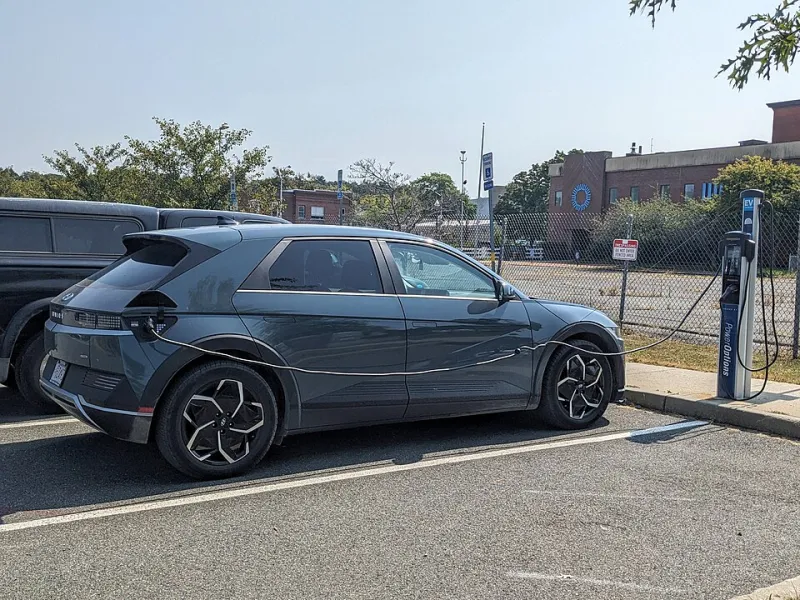
Photo: Artaxerxes, CC BY 4.0, via Wikimedia Commons
A charge point used to be an electrical job with a small data afterthought. Then the smart charging regulations landed, and the box on the driveway became a device with a schedule, a random delay, a security requirement and a cloud account it has to reach. Fail the data side and the car still charges — but the cheap overnight window quietly stops being honoured, the load management stops reporting, and somebody gets a phone call six months later.
So treat it as infrastructure. Two cables, not one.
The unit is only half of the install
Split every quote into two halves. The supply side is meter tails, an isolator, the right protective device, open-PEN handling and surge protection. The data side is how the thing talks to your home network and to the manufacturer's backend. Most quotes describe the first half in loving detail and then say "Wi-Fi" for the second, which is exactly where the trouble lives.
Ask yourself where the router actually is. If the answer involves two brick walls, a metal consumer unit and a utility room, that's fine for a phone in the kitchen. It is not fine for a device that needs to hold a connection for a decade while a 7kW load switches on and off a few feet away.
Three ways to get data to the driveway
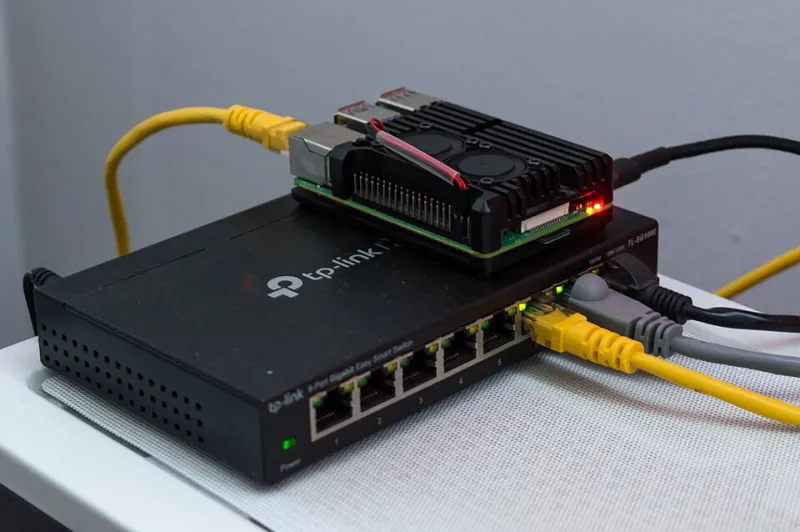
Ethernet. If there's a trench, a garage wall or a duct, run Cat6. Cat6a if the run is long or shares a route with mains for any distance. It's the only option that doesn't care about weather, render, foil-backed insulation or next door's mesh system. Cheap, boring, dependable.
Wi-Fi. Sometimes perfectly fine — if the access point is genuinely close and the path is reasonably clear. Watch for the usual traps: charger antennas are small and often sit behind a metal enclosure; the car's own telematics eats into the same bands; terraced streets are congested at 2.4GHz. If you're relying on wireless, plan a proper outdoor access point or a node in the garage rather than hoping the kitchen router reaches.
Cellular. Most units have it as a fallback, which is genuinely useful. But it ties your smart features to a SIM, a manufacturer's data plan and a signal that can disappear when a mast is retired. The 3G shutdown already orphaned a generation of units, and 2G is following. Never let cellular be the only path to the internet.
Where the CT clamp actually lives
Load management needs to know what the whole house is drawing, so the clamp goes on the live meter tail at the origin — not on the charger's own cable, which tells you almost nothing useful. That means a data cable from the meter cupboard to the charger or its controller, and that cable is the one everybody forgets until the day of the install.
Sort the route early. A clamp also has to be on the right tail, facing the right way, and the reading wants sanity-checking against a known load. A kettle is the traditional test and still the best one.
Earthing, PEN faults and surge protection
Most UK homes are TN-C-S, which means an open PEN conductor is a real, if rare, hazard — and the regs require the charge point to deal with it, usually via a built-in PEN fault device with an earth rod, or an alternative arrangement. Ask which method is being used and why. It's not a detail to wave through.
Separately, a Type 2 surge protective device at the charge point is cheap insurance. The unit is a computer with a modem, sitting outdoors on a long cable run. You don't want a spike taking out its comms board along with the boiler.
The route you'll thank yourself for later
- Duct from the house to the charge point, with a draw cord left in place.
- UV-stable cable and proper glands at both ends; any drilled hole falls away from the wall and gets sealed.
- A spare draw cord and a spare Cat6. The second cable costs very little now.
- An isolator within reach but not where a bumper can find it.
- Wall space and cable entry for a second unit later.
Planning for charger two, and vehicle-to-home
Two cars is ordinary now. If your supply is 60A or 80A, the first charger already needs load management; a second means proper load sharing, and that generally means the units talking to each other or to a controller — another data cable, another reason to have run conduit.
Vehicle-to-home runs the same story in reverse: an inverter and a gateway near the meter cupboard, a data link that has to stay up, and a DNO application that takes time. Leave the duct, leave the spare pair, and don't bury anything you can't pull through again.
Paperwork, grants and the DNO
Your installer normally handles the DNO notification, but confirm it has been done and keep a copy of the response. Looped supplies and shared service heads need resolving before anyone drills. On the grant side, the charge point grant for flats and renters and the workplace charging scheme both come with conditions — approved installer, approved unit, evidence — so get the paperwork sorted before the invoice, not after it.
Five questions before the first hole
- How will this unit reach the internet, and what happens if that path fails?
- Where is the CT clamp going, and what cable runs back to it?
- Which open-PEN method are you using, and is an earth rod needed?
- Can I have a spare duct, a draw cord and a second data cable?
- Who notifies the DNO, and can I see the response?
Get sensible answers to those five and you've got a charger wired like infrastructure rather than plugged in like an appliance. Which is what it now is.