Calls Before Coffee: Wiring a Small-Office Meeting Room That Just Works

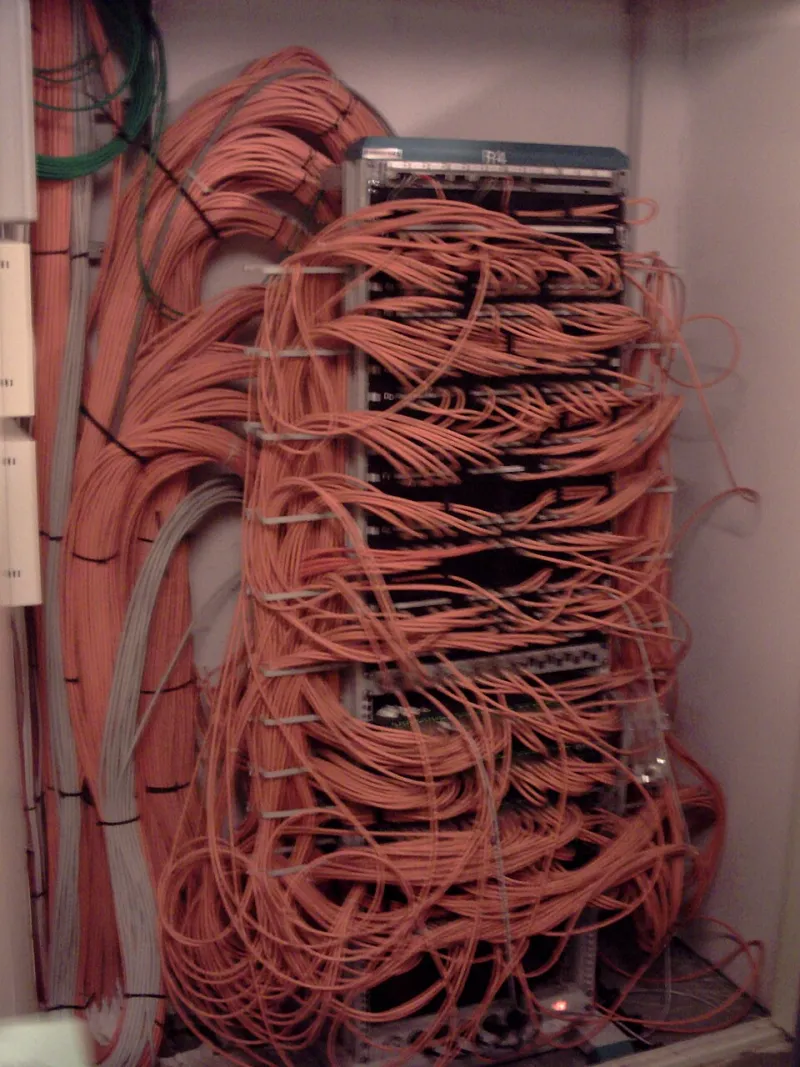
Photo: Lawrence Jackson, Public domain, via Wikimedia Commons
Monday, 9:01am. The room is booked, the client is waiting, the laptop is at 12 per cent battery and the video bar has decided this is the day it wants a firmware update. In a small UK office, the meeting room is no longer a table with a television on the wall. It is a small comms room with chairs, and it deserves to be wired like one.
Hybrid work has pushed bandwidth, power and cable density into a space that was often designed for a flip chart. The good news is that you do not need an enterprise fit-out. You need a clear plan, a few sensible cable runs and a test routine that happens before the call, not during it.
What the room actually needs
Start with the jobs the room has to do. It needs reliable video calls, a screen that any laptop can drive, power at the table, a camera and microphone that do not make everyone sound like they are in a biscuit tin, and a room-booking screen that syncs with the calendar. It also needs an access point that is not competing with a microwave in the kitchen.
Write a short list before buying anything:
- At least one wired Ethernet drop for the meeting-room access point, preferably ceiling-mounted and powered over Ethernet.
- Two data points at the table for docks, displays or a spare laptop.
- Power sockets at the table, not just on the wall behind the chairs.
- A USB-C docking arrangement that is labelled and tested with the laptops people actually use.
- A camera, speakerphone or video bar with a sensible field of view.
- A room-booking screen with power and network, not a tablet left on a windowsill.
- Cable management that survives daily use.
Start with the wired spine
A meeting room is a poor place for a mesh node. Put a proper access point on a wired backhaul, ideally on the ceiling, and give it its own switch port. If the office has several rooms, this is the moment to think about a small PoE switch in a lockable cabinet rather than a trail of plug-in adapters. Cat6 is fine for most small offices; the important part is that the cable is installed, labelled and tested.
Do not put the access point inside a metal cupboard or behind a television. Do not rely on a repeater that lives on top of a filing cabinet. If the room has a lot of glass, metal or old brick, check the signal where people actually sit. A wired access point with a modest specification will usually beat a fancy mesh system with a bad position.
The table is a power and data hub
This is where small offices most often come unstuck. People arrive with laptops that need charging, a dongle that has gone missing and a video call that starts in five minutes. Put power and data where the laptops are. A floor box, a cable port in the table or a discreet grommet is better than a extension lead snaking across the carpet.
For a simple setup, provide two UK power sockets and two Ethernet points at the table, plus a USB-C dock with HDMI, USB and charging. Label the dock. Label the cable. Keep a spare USB-C to HDMI adapter in a drawer and check it now and then. Wireless casting is convenient, but it is not the thing to rely on when the client is presenting a quarterly numbers deck.
Cameras, screens and room booking
Mount the camera at eye level where possible, not on the wall behind the screen. If the camera needs to sit further away, use a USB extender over Cat6 rather than a long USB cable that works only when the planets align. A video bar under the screen can be neat, but check that it does not block the display and that its microphone is not picking up the air-conditioning unit.
Room-booking screens are small computers. Give them power and network, mount them properly and decide who owns the calendar account. A screen that only works on Wi-Fi is another thing to troubleshoot on a Monday. If the room has a display, make sure the input is obvious and that the remote control has a home. It sounds trivial until someone spends ten minutes hunting for it.
Cable management that survives daily use
Cable management is not about making the room look like a showroom. It is about making the next call less likely to fail. Use Velcro ties rather than zip ties, leave a service loop at the display and under the table, and use brush plates or grommets where cables pass through surfaces. Keep power cables away from where feet go. If the room is used by different people every day, assume every loose cable will be unplugged by lunchtime.
A small lockable cabinet or wall box for the switch, router and power supplies keeps the room tidy and stops someone unplugging the access point to charge a phone. Label the ports. Keep a simple diagram inside the cabinet door. Future-you will not remember which cable goes where, and neither will the temporary office manager.
A pre-Monday test routine
You do not need a monitoring platform for one meeting room. You need a ten-minute routine that happens before the week starts. Run it on Friday afternoon or Monday morning and keep a short log.
- Check the access point and switch port lights.
- Join the office Wi-Fi in the room and run a quick video call test.
- Check the camera, microphone and speakers in the actual meeting app.
- Confirm the room-booking screen has synced and is showing the right room.
- Test the dock with one Windows laptop and one MacBook if both are used.
- Confirm the spare adapter and remote control are where they should be.
- Look under the table for new trip hazards or unplugged cables.
If something fails, fix it before the call. A spare HDMI cable and a known-good USB-C dock are cheap insurance. A label maker is cheaper than an angry client.
Budget priorities
Spend first on wired data drops and a properly placed access point. Then on power at the table and a reliable dock. Then on the camera and speakerphone. Then on cable management and a lockable cabinet. A 4K camera on a flaky Wi-Fi link is not a upgrade; it is a more expensive way to freeze. Get the boring infrastructure right and the meeting room becomes what it should be: a place where the call starts on time and nobody has to crawl under the table.