Four Jobs, Four Lanes: Splitting the Shop Network Without Stopping the Card Machine
Photo: Virginia Knight , CC BY-SA 2.0, via Wikimedia Commons
Most independent shops don’t set out to run a flat network. It happens one device at a time. The card machine arrives, then a back-office laptop, then a camera, then a guest Wi-Fi sign in the window. Before long everything is on the same router, using the same password, and quietly able to see far too much of everything else.
The till should not share a password with the guest Wi-Fi. It shouldn’t really share a network with the smart speaker either. But the fix doesn’t have to mean an enterprise redesign or a weekend with a network engineer. For a small shop, the aim is simpler: put the important jobs in separate lanes, keep the card machine working, and make the whole thing easier to support.
The flat network is a convenience, not a plan
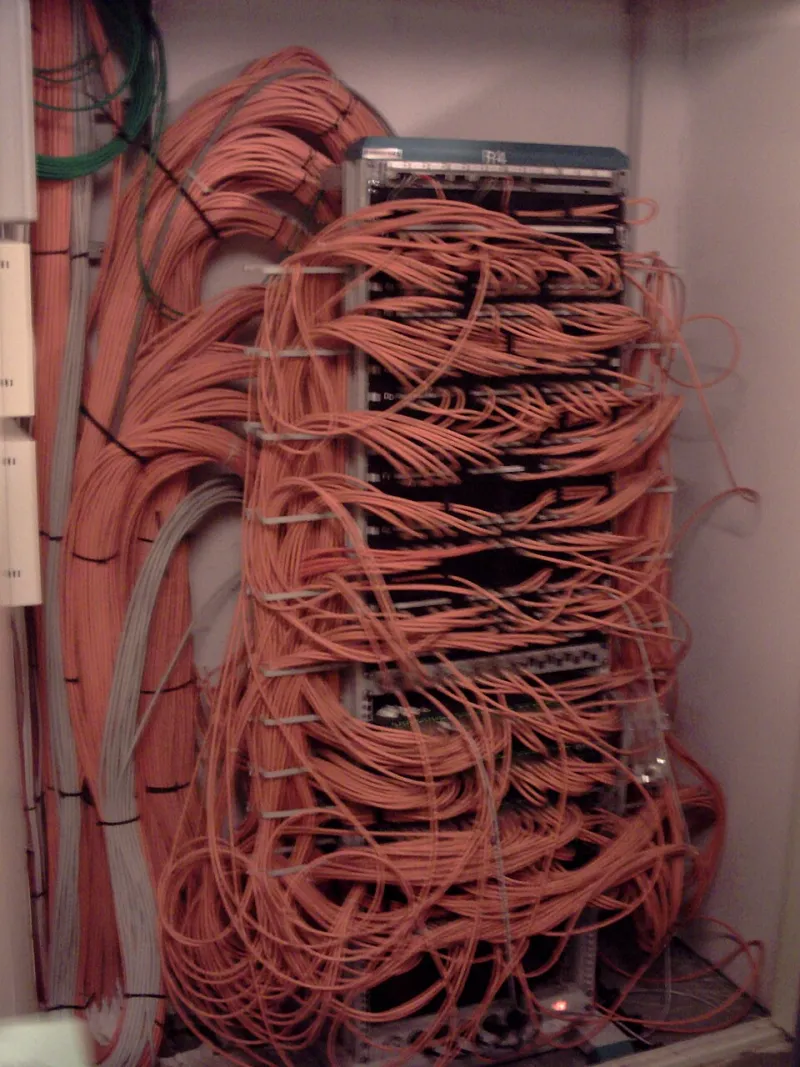
A flat network is what you get when everything sits on one subnet and one password. It is quick to set up and easy to understand. It is also why a customer on the guest Wi-Fi can sometimes reach the back-office printer, and why a dodgy smart plug can become everyone’s problem.
The usual symptoms are familiar. Guest Wi-Fi slows down because someone is streaming. A staff laptop picks up a strange IP address. The card machine drops off during the lunch rush. Nobody knows which device is causing it, so the router gets rebooted and everyone waits.
Segmentation is the grown-up version of “turn it off and on again”. It doesn’t make the internet faster on its own. What it does is stop one part of the shop from knocking over another.
Four lanes worth keeping apart
For most UK independents, four groups cover the useful work.
Payments and EPOS. This is the till, card terminals, receipt printers and anything that touches a transaction. Treat it as the most sensitive lane. Where possible, keep card terminals wired rather than relying on Wi-Fi. If they must be wireless, give them their own SSID and a fixed address.
Staff and back office. Laptops, stock devices, cloud accounting, email and file sharing. This lane needs normal internet access and perhaps a shared printer, but it does not need to talk to the card terminal.
Guest Wi-Fi. Customers, delivery drivers and the barber next door. Give them internet access and nothing else. Client isolation is your friend here, along with a bandwidth limit and a password that changes now and then.
IoT and building kit. Cameras, smart thermostats, signage, door entry, sensors and any cheap connected widget. These devices are often useful and rarely well secured. Put them together and keep them away from payments and staff data.
VLANs and SSIDs are not the same thing
This is where well-meaning advice often gets fuzzy. Multiple SSIDs give you separate wireless names, but they do not automatically separate traffic once it reaches the wired network. A guest SSID with client isolation is better than nothing, but a wired till on the same flat LAN may still be reachable.
VLANs do the real separation. They let one physical network carry several logical networks, with firewall rules deciding what can talk to what. In a small shop, that usually means a router or firewall that supports VLANs, a managed switch, and one or two access points that can tag each SSID to the right VLAN.
You do not need a data centre. A sensible setup is a small firewall, an eight-port managed switch and a couple of access points. The point is not to build a laboratory. The point is to make the guest network genuinely separate from the payment lane, and to stop the camera VLAN from chatting to the till.
Don’t break the till: migrate carefully
This is the part that matters on a wet Tuesday morning. Segmentation is easy to draw and less easy to change while a queue is forming.
Start by mapping what you have. Write down every device, what it does, whether it is wired or wireless, and who supports it. Label the switch ports. Take photos of the current setup. Find out which devices have fixed IP addresses and which rely on DHCP.
Then move one lane at a time. Guest Wi-Fi is usually the safest first step: give it its own SSID, isolate it, and check that customers can still get online. Next, move the IoT kit. Then staff devices. Leave payments until you have a quiet period and the card terminal provider’s details to hand.
Do not change the card terminal’s IP address, gateway or DNS settings without checking with your acquirer or terminal supplier. Some terminals need specific outbound access, and a well-meant firewall rule can look exactly like a broken payment provider. Test with a real transaction and a refund before you call it done. Keep the old configuration backed up, and have a fallback plan if the terminal uses a SIM or a mobile connection.
What to ask an installer
You don’t need to speak VLAN fluently. You do need to ask for the right outcomes. Ask for a router or firewall that supports VLANs, a managed switch, and access points that can map separate SSIDs to separate networks. Ask for guest isolation, a payment lane that can only reach the addresses it needs, and inter-VLAN traffic blocked by default.
Ask for a simple diagram and a written record of which port and SSID belongs to which lane. Ask how remote support will work, and whether the configuration can be backed up and restored. Ask what happens when a staff laptop needs to print, or when a new card terminal is added. A good installer should be able to explain the rules without turning it into a lecture.
The support benefit is the real win
A segmented shop is not just safer. It is easier to run. If the guest Wi-Fi misbehaves, you can restart that lane without touching the till. If a camera goes rogue, it stays in its own corner. If a staff laptop is replaced, you don’t have to re-architect the shop.
For a small business, that is the practical argument. You are not trying to build a bank. You are trying to stop one password, one flat network and one careless device from taking the card machine down with it.