Heat Rises, Uptime Falls: Moving Always-On Network Kit Out of the Loft
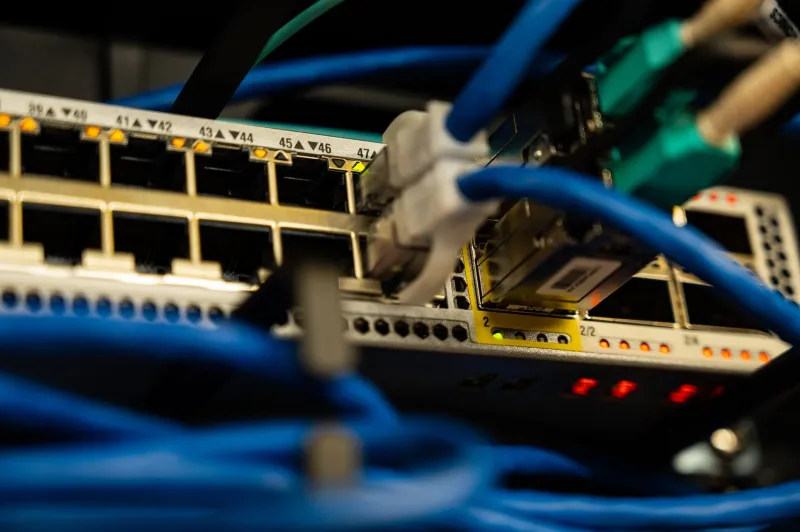
There is a particular kind of British improvisation that puts a £200 switch, a fibre termination unit and a battery backup in a loft, next to the water tank and a box of Christmas decorations, and calls it the comms room. It happens for understandable reasons. The cable came up the outside wall. The aerial man was already there. Nobody wanted a cabinet in the hall. And for the first winter, it all works perfectly well.
Then July arrives, and the loft stops being a room and starts being a greenhouse.
Start With a Week of Data, Not a Ladder
Before you move anything, measure. A cheap USB or Bluetooth temperature and humidity logger costs somewhere between fifteen and thirty pounds, and a week of readings will settle the argument faster than any opinion. Put it at the height of the kit, not on the floor, and leave it through a warm spell if you can.
What you are looking for is the peak, not the average. Most consumer and small-business switches are rated for an ambient of roughly 0 to 40°C, and plenty of them start behaving oddly well before the official limit. A lead-acid UPS battery is worse: its design life is usually quoted at 25°C, and every ten degrees above that roughly halves it. A UPS that should last four years in a hallway may manage eighteen months under tiles.
Humidity matters too. Lofts are cold in February and warm in April, and the transition is when warm, moist air meets cold metal. Condensation on a circuit board is not a theoretical risk.
What Actually Goes Wrong Up There
Heat and dust are a slow combination. Fans spin faster, draw in more debris, and eventually seize. Electrolytic capacitors dry out. Hard drives in a NAS run hotter than they should. None of this announces itself; you just notice that the Wi-Fi drops when the sun is on the roof, and that the switch needs a power cycle every few weeks.
Then there is the access problem. A reboot at 11pm means a ladder, a torch, moving the aforementioned decorations, and hoping the hatch does not bang shut behind you. Most people stop rebooting and start tolerating a flaky network, which is how a small annoyance becomes a permanent degradation.
Add the practical stuff: no smoke detection in many lofts, rodents and wasps that like warm enclosures, and insulation that gets shoved against anything generating heat. It is not a disaster waiting to happen so much as a maintenance bill with a long fuse.
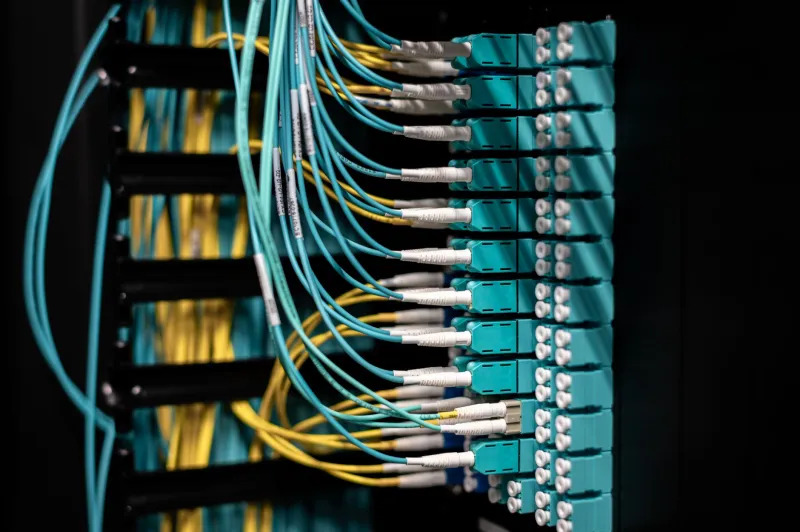
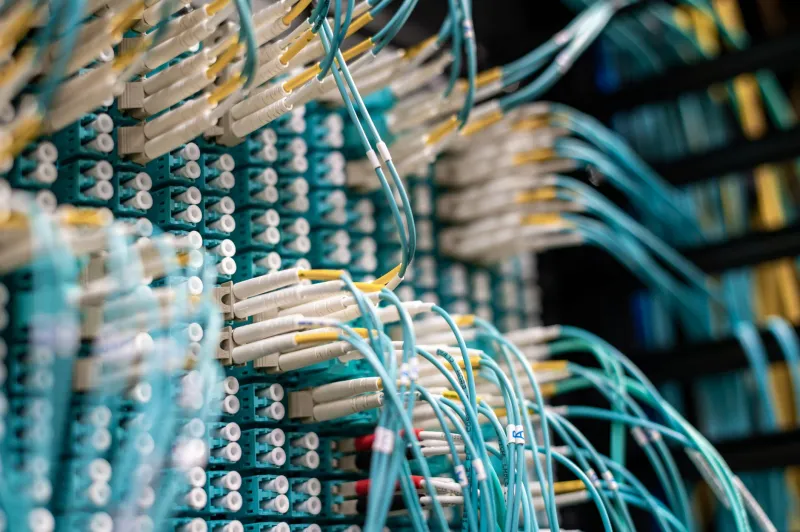
The fibre is the other consideration. The optical termination is generally installed by the network provider, and the fibre is often pre-terminated to a fixed length. You cannot casually extend it with a coupler from a DIY shed. If the ONT needs to move, that is usually a provider job, so ask before you start drilling.
The Honest Shortlist of Destinations
Not every home has a spare cupboard, but most have a better option than the eaves.
A hallway or understairs cupboard is usually the best compromise. It is inside the thermal envelope, accessible, and close to where cables already run. It needs vents top and bottom, a door that opens fully, and enough depth for a 300 to 400mm shelf.
An airing cupboard is warm but dry, which suits electronics better than a cold loft. Keep clear of the cylinder and any pipework, and check that the door is not sealed tight.
A utility room works if it is not permanently damp. A garage only works if it is insulated, dry and frost-free; an unheated detached garage in Aberdeenshire is not a comms room.
Avoid kitchen cupboards, under-sink spaces and anywhere a dishwasher lives. Steam and grease are unkind to fans.
For a small business, the same logic points to a dedicated cupboard off the office rather than the plant room or the kitchen. Lockable, ventilated, with a light and a documented breaker.
Power, Done Once
A trailing extension lead fed through a ceiling hatch is not a power solution; it is a fixed installation pretending otherwise. The tidier route is an unswitched fused spur off an existing ring, labelled at the consumer unit, with a socket at working height rather than at skirting level.
If you are adding a new circuit, or working in a kitchen or bathroom, check the Part P rules for England and Wales, or use a registered electrician. A surge-protected outlet is worth the small extra cost. If the UPS is staying, give it its own outlet rather than daisy-chaining it behind a strip.
Cable Routing and Spares
When the kit moves, run two data cables where one is needed. The second one costs very little now and saves a great deal of swearing later. Keep mains and data separated where you can, respect bend radius on fibre and Cat6, and label both ends at the time of installation, not afterwards.
If the new location is a cupboard, consider a small wall-mounted patch panel. It turns a nest of cables into something the next person can understand.
Heat and Airflow in the New Home
Once relocated, the kit still needs air. Fit vent grilles low and high so convection does the work. Leave 50mm behind the equipment, space units apart rather than stacking them, and keep the UPS off the floor and away from the switch. A thermostat-controlled cabinet fan is fine if it is genuinely needed, but most domestic cupboards manage without one.
Aim for an ambient under 30°C in summer. If the cupboard regularly exceeds that, add ventilation before you add fans.
The 11pm Test
Before you declare the job finished, walk through the worst-case scenario. Can you reach the kit without a ladder? Is there light? Can you see which cable goes where? Is the breaker number written down, along with the ISP account details and the Wi-Fi name?
Leave a laminated card inside the cupboard door. It sounds fussy until the first outage, at which point it is the most useful thing in the house.
If It Genuinely Cannot Move
Sometimes the loft is the only option. In that case, mitigate. Screen the kit from direct roof heat, fit a thermostatic vent, replace tired fans, move the UPS downstairs if the switch cannot move, and put a remote-switched power distribution unit in line so you can power-cycle from the sofa rather than the hatch.
It is a workaround, not a fix. But it is a good deal better than pretending the eaves are a data centre.