Swap the ISP, Keep the Walls: A Broadband-Agnostic Cabling Plan
In 2026, changing broadband provider in the UK is no longer the mild inconvenience it once was. Alt-nets are digging up pavements, Openreach is retiring copper, and the box on your wall may be swapped for something entirely different depending on who wins your business. The router will change. The ONT will change. The contract will certainly change.
The cabling inside your house should not be part of that churn.
That sounds obvious, but plenty of installations still treat the ISP's router as the centre of the universe — every room cable running back to whichever corner the router happened to land in, every device hanging off its four ports. It works fine until the day you switch, and suddenly the whole house is being re-plugged while someone on a helpline asks you to read out the serial number.
Here is the calmer approach.
Three boxes, three jobs
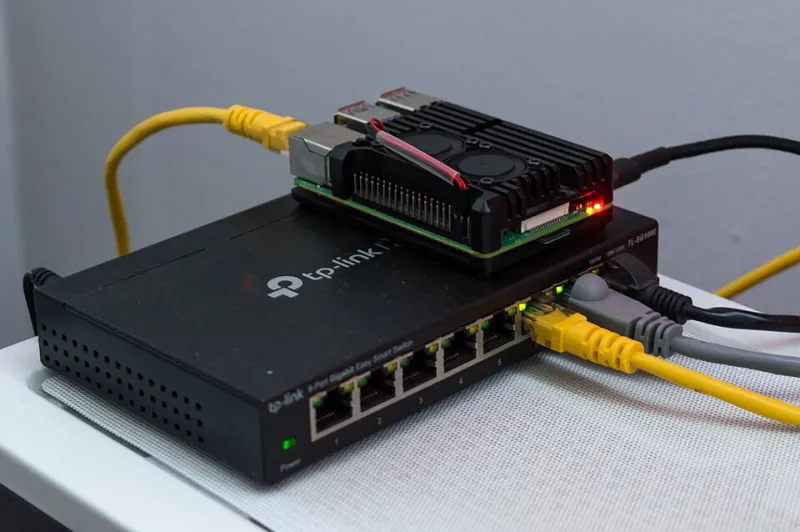
A modern full-fibre connection is really three separate things wearing one jumper. The ONT — optical network terminal — turns light into Ethernet. The router does routing, Wi-Fi, DHCP and whatever else the provider has bolted on. The switch gives you more ports than the router can offer.
When those three jobs live in three separate boxes, each one becomes replaceable. The ONT belongs to the network operator. The router belongs to whoever you pay this month. The switch belongs to you. Keep them distinct and a provider swap becomes a cable move rather than a construction project.
The mistake is letting the router double as the patch panel. If every room cable terminates at the router's LAN ports, you have welded your internal wiring to a piece of kit you do not own and cannot keep.
Let the fibre land where it lands
Openreach, CityFibre and the rest will put the ONT roughly where the fibre enters the property. Sometimes that is a hallway cupboard, sometimes a garage wall, occasionally a spot that makes you wonder if the installer had a train to catch. Accept it. Moving an ONT is not a DIY job and usually means a new visit.
What you can control is what happens next. Make sure the ONT has a double socket nearby — it needs power, and you may want a UPS later — plus a bit of ventilation. Do not box it in behind a sofa or under a pile of coats. Then run a single Ethernet cable from the ONT's LAN port to wherever your own router lives. That one cable is the handover. Everything downstream is yours.
The handover cable is the only cable that should move
If the ONT is in the garage and the router is in the study, treat that as a permanent link: a proper Cat6 or Cat6a run to a wall socket at each end, with patch leads finishing the job. If both boxes sit side by side, a short factory-made patch lead is fine.
Label both ends of that handover cable. Not with a scrap of masking tape and a biro — use a proper label or a printed tag. When the next provider's installer arrives and asks which cable goes where, you want to point rather than guess.
Bring every room back to one point
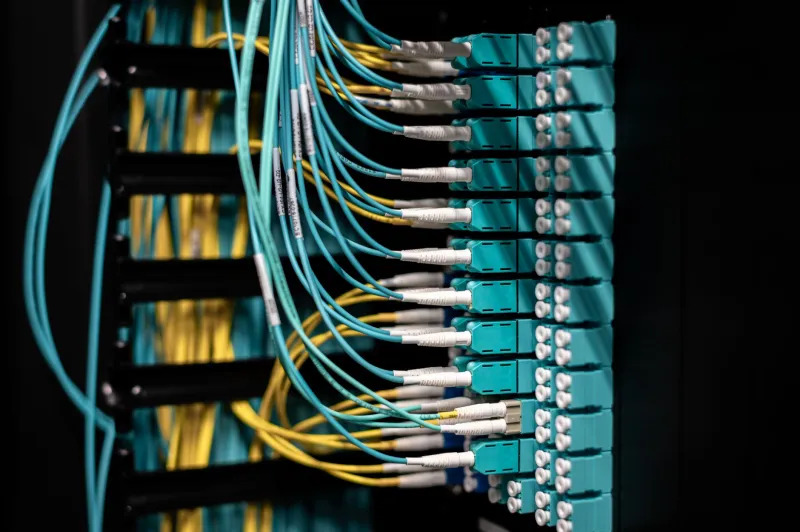
Your internal cabling should terminate at a central point — a small wall cabinet, a patch panel, or at least a labelled bundle in a cupboard. That is where the switch lives. The router connects to the switch with one cable, and the switch feeds the rooms.
This is the bit that survives everything. Change router, change switch, change provider: the room cabling never moves. You unplug one patch lead from the old router and plug it into the new one. Job done before the kettle boils.
If you are retrofitting, even a modest six-port patch panel in a cupboard is worth the effort. It turns a nest of unidentified cables into something a stranger could understand.
Power, labels and the details that bite
Put the ONT, router and switch on a small UPS if you can. Not to keep the whole house running through a power cut, but to stop a brief flicker from rebooting the whole chain and leaving you waiting five minutes for the internet to come back. A basic 500VA unit is plenty for this trio.
Label the ONT's power supply. They are small, black and easy to unplug by accident when someone is hunting for a free socket. Note the provider's name, the fibre reference and the date of installation somewhere sensible — inside the cabinet door is fine.
One more thing: some alt-nets require VLAN tagging or PPPoE credentials on your own router. Note what your current setup uses before you switch, or you will spend switch day searching forums on your phone.
What switch day should look like
Take a photo of the current setup. Note any login details. When the new service goes live, unplug the handover cable from the old router, plug it into the new one, and set up the new router's Wi-Fi. Keep the old router in a drawer for a fortnight in case something goes wrong. That is the whole job.
No chasing cables under floors. No wondering which of eight identical blue leads goes where. No explaining to a helpline that your house is unusual.
The five-year test
Ask yourself one question: if a different provider turned up tomorrow and put their ONT in a completely different corner, could I adapt by moving one cable? If the answer is yes, your cabling is doing its job. If the answer involves lifting floorboards, it is not.
The ISP is a tenant, not the landlord. Treat it that way and your network will outlast every contract you sign.