The Network Is Part of the Sale Now: Handing Over a Connected Home Without the Headache
A house sale used to come down to keys, a boiler manual and perhaps the alarm code written on the back of an old envelope. In 2026, a connected home adds another layer: patch panels, switches, access points, doorbells, thermostats, solar inverters and a cupboard full of blinking kit. Hand that over badly and the buyer inherits mystery devices and orphaned accounts. Hand it over well and the network becomes a genuine selling point rather than a post-completion puzzle.
Decide what stays before the listing goes live
The first job is separating infrastructure from gadgets. Fixed cabling, patch panels, wall plates, access points, the Openreach ONT and a properly installed PoE switch are part of the property. They should stay unless there is a very good reason to remove them. Consumer routers, mesh nodes, cameras, hubs and subscription-based smart devices are more negotiable. Some sellers want to take the lot; some buyers expect the smart doorbell to be included because it was in the photos.
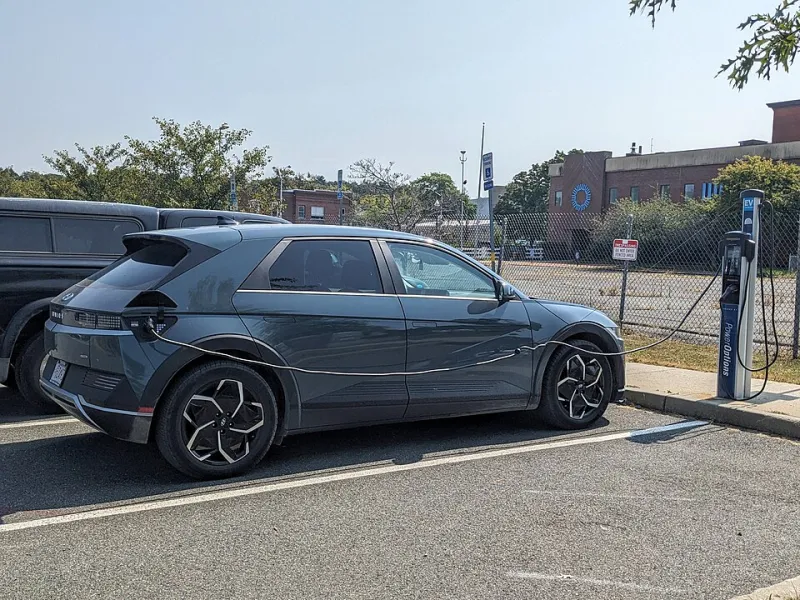
Settle this early, ideally before the fixtures and fittings form is completed. Be specific. “Smart home equipment” is not a useful description. List the doorbell, the thermostat, the garden access point, the EV charger and the solar gateway separately. If something is leased, rented or tied to a monthly subscription, say so. A buyer who discovers after completion that the video doorbell needs a new account and a new subscription is not a happy buyer.
Build a handover pack, not a carrier bag of manuals
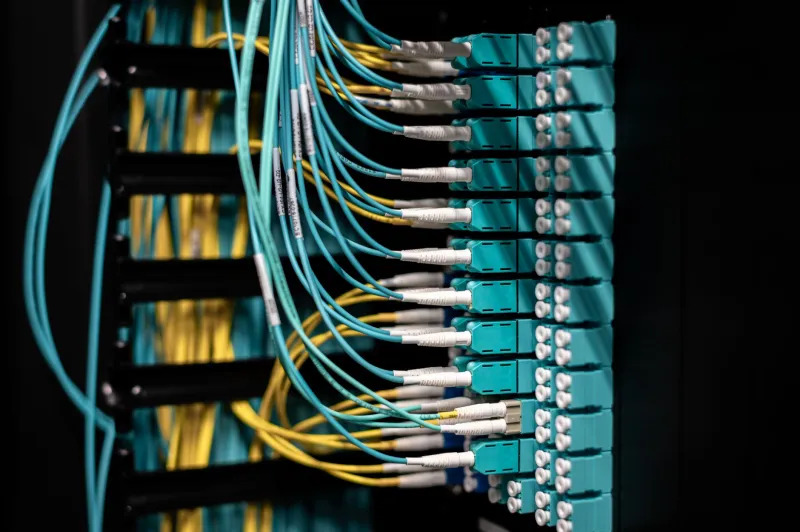
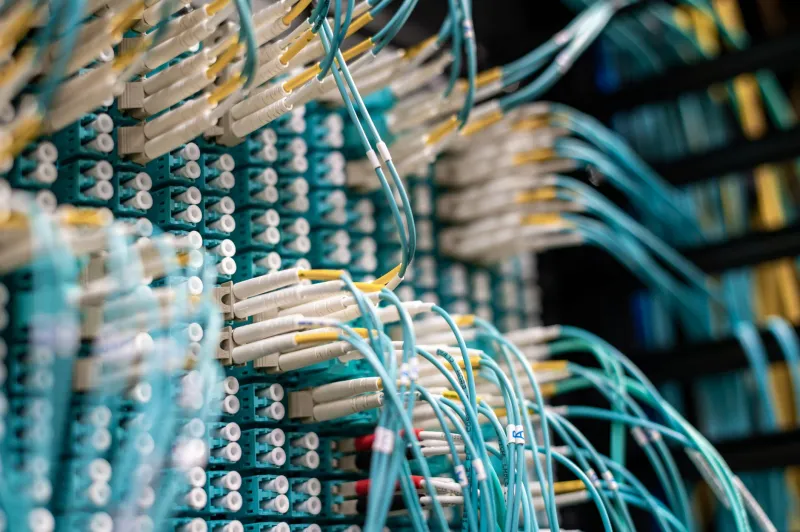
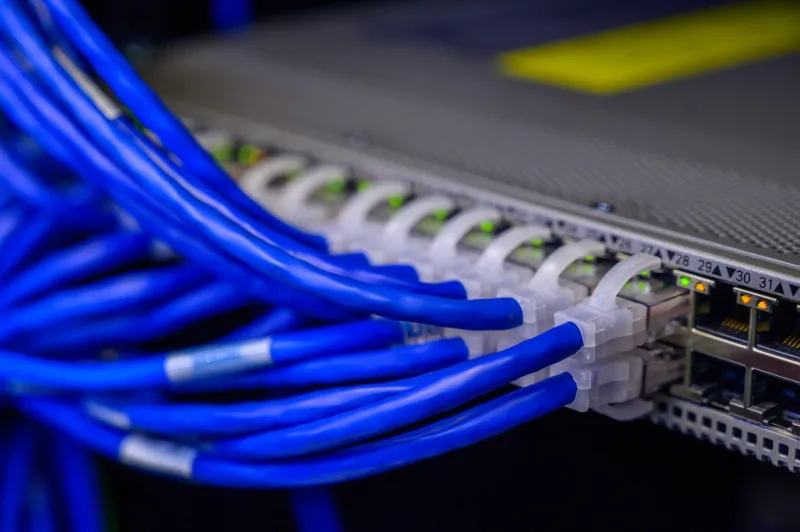
The most useful thing a seller can leave is a simple network record. It does not need to be a work of art. A folder in the comms cupboard plus a digital copy is ideal. Include a one-page diagram showing the incoming fibre or broadband connection, the ONT, the router, the switch, the patch panel and the main access points. Add a port map: which patch panel port feeds which room, and which switch port powers which device. Note the model numbers and serial numbers of fixed equipment, plus any installer details and warranty information.
Photographs help enormously. Take pictures of the rack or cupboard before you disconnect anything, and label cables while everything still works. If the property has a UPS, note when the battery was last replaced. If there are separate networks for guests or smart devices, describe them in plain English. The buyer does not need a CCNA, but they do need to know which cable goes where when the broadband engineer turns up.
Passwords are not part of the property particulars
It is tempting to leave a sheet of passwords in the kitchen drawer for the estate agent to pass on. Don’t. Credentials should move at completion, not before. A sealed envelope handed over with the keys is workable, but a password manager transfer is cleaner. The seller should remove their own user accounts from any smart home apps and revoke third-party integrations such as Alexa, Google Home or Apple Home. The buyer should change the Wi-Fi password and the admin password on the router and switch shortly after moving in.
If the seller is leaving smart kit behind, factory reset it and remove it from their account. That includes cameras, doorbells, thermostats, smart locks and hubs. Cloud recordings and viewing history should be deleted. It is not enough to delete the app from a phone; the device itself still needs to forget its old owner. A camera that keeps recording the new occupants because nobody removed the account is a security problem, not a quirky leftover.
Broadband contracts belong to people, not property
A common misunderstanding is that the seller’s broadband contract transfers with the house. Usually it does not. The seller should either cancel or transfer their service, and the buyer should order their own. Timing matters: nobody wants to cancel the line before completion if the buyer needs connectivity for a survey or a smart alarm. Talk to the provider and agree a sensible stop date.
The physical fibre ONT should stay with the property. The ISP router often should not, because it may be rented. Leave a note explaining which technology is in use, where the ONT is mounted and whether the connection comes from Openreach or an alternative network. If there is a landline number that matters, mention it. If the property has a community fibre scheme or a shared cabinet arrangement, say so. These details save the buyer hours on the phone.
What a buyer should ask for before completion
Buyers should treat the network like any other building service. Ask for the network diagram, port map, equipment list and any test results. Ask which items are owned, rented or under subscription. Ask for the installer’s details and warranty terms. Ask whether the alarm, door entry, heating and solar systems have their own codes or accounts. If the seller cannot provide something, get it in writing before exchange rather than relying on a friendly chat at handover.
A short walkthrough is worth more than a thick manual. Ask the seller to show you the comms cupboard, the consumer unit, the ONT, the switch and the access points. Test a wired connection and a Wi-Fi connection while you are there. Check that the patch panel labels match reality. If the property has a UPS, confirm what it actually powers. Record a short video on your phone. It will be useful when you are tired, surrounded by boxes and trying to remember which blue cable goes into port 12.
Leave the next owner a working starting point
A connected home is now part of the sale. The seller’s job is to leave a documented, secure and sensible starting point. The buyer’s job is to check it before completion and take control of the accounts afterwards. Get that right and the network disappears into the background, which is exactly what good infrastructure should do.